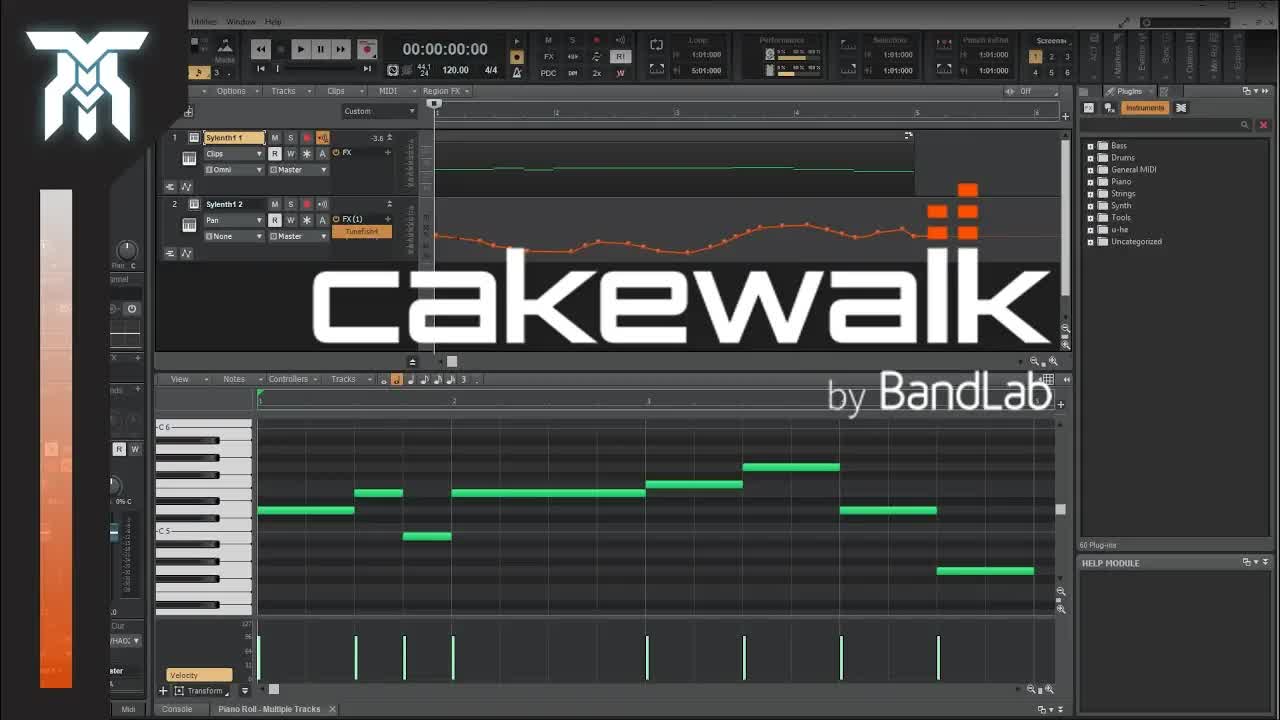
Learn how to use Cakewalk by Bandlab, a free DAW. This Cakewalk by Bandlab tutorial for beginners will teach you the basics of the digital audio workstation. I go over the layout including the playlist, piano roll, and mixer, as well as what most things do. I also talk about setting the DAW up so you can record at the right bit depth and sample rate, import your VST plugins, and get your samples and loops in the software too.
Previously called Sonar, this digital audio workstation was made free when it was acquired by Bandlab. Although a new company owns it, it's still the same DAW (Cakewalk Sonar Platinum), just with some updates. If you want to download Cakewalk for free, check it out here: https://www.bandlab.com/products/cake...
***
To open something in the multi-dock, select a track and then go to "Views" on the top menu of the DAW. From there you can open the piano roll, console, step-sequencer, etc. You'll have to repeat this process for each track.
***
TIMESTAMPS:
0:00 - Quick Overview & Important Information
0:43 - Setup Instructions & Preferences Menu
1:58 - Control Bar
2:52 - The Layout
4:45 - Song Arrangement Window & Creating Tracks
5:14 - Track Settings / Options
5:24 - Automation Clips
5:47 - Track Settings Continued
7:14 - Control Bar Playlist Options (Transport Module)
7:58 - Piano Roll
9:06 - Mixer Rack / Mixing Console





 cakewalk中文版 v26.09附安装教程
 Band-in-a-Box® and RealBand 2024-123pan
 Muse 2.7 综合乐谱排版软件(支持五线谱_吉
 ZOOM R24作为音频接口和控制器在SONAR里如
 Cakewalk_by_BandLab_cakewalk中文版 v27.0